Denver Yoga Summit & SCHED
We are utilizing Sched (pronounced sked) to help you customize your perfect weekend experience. Use this guide to manage your personal schedule, explore your chosen track, and smoothly navigate our 90+ sessions across the Denver Botanic Gardens Chatfield Farms.
STEP 1: Access Your Account
- Check Your Email: Look for an invitation from Sched sent to the email you used to purchase your ticket (could have ended up in spam).
- Create a Password: Click the link in that email to activate your account and set a password.
- Log In Anywhere: You can access the schedule on your desktop browser or via your mobile device.
STEP 2: Build Your Personal Schedule
With over 90 sessions available, planning ahead ensures you secure your spot in your preferred classes and workshops.
- Browse Sessions: Filter the schedule by day, track (Yoga Student, Yoga Teacher, Studio Owner), or specific speaker.
- Add to My Schedule: Click the circle icon or checkbox next to any session to add it to your personal itinerary.
- Check for Conflicts: Sched will visually alert you if you accidentally select two sessions occurring at the same time.
- Track Capacity: Some intensive indoor or sheltered workshops have strict capacity limits. Act early to book these highlights!
How to Filter and View Sessions
Customize how you browse our 90+ sessions by using the viewing options at the top of the schedule and the filter menus on the side.
Choose Your Schedule View
At the very top of the Sched event page, you can adjust how sessions are displayed to find the layout that works best for you:

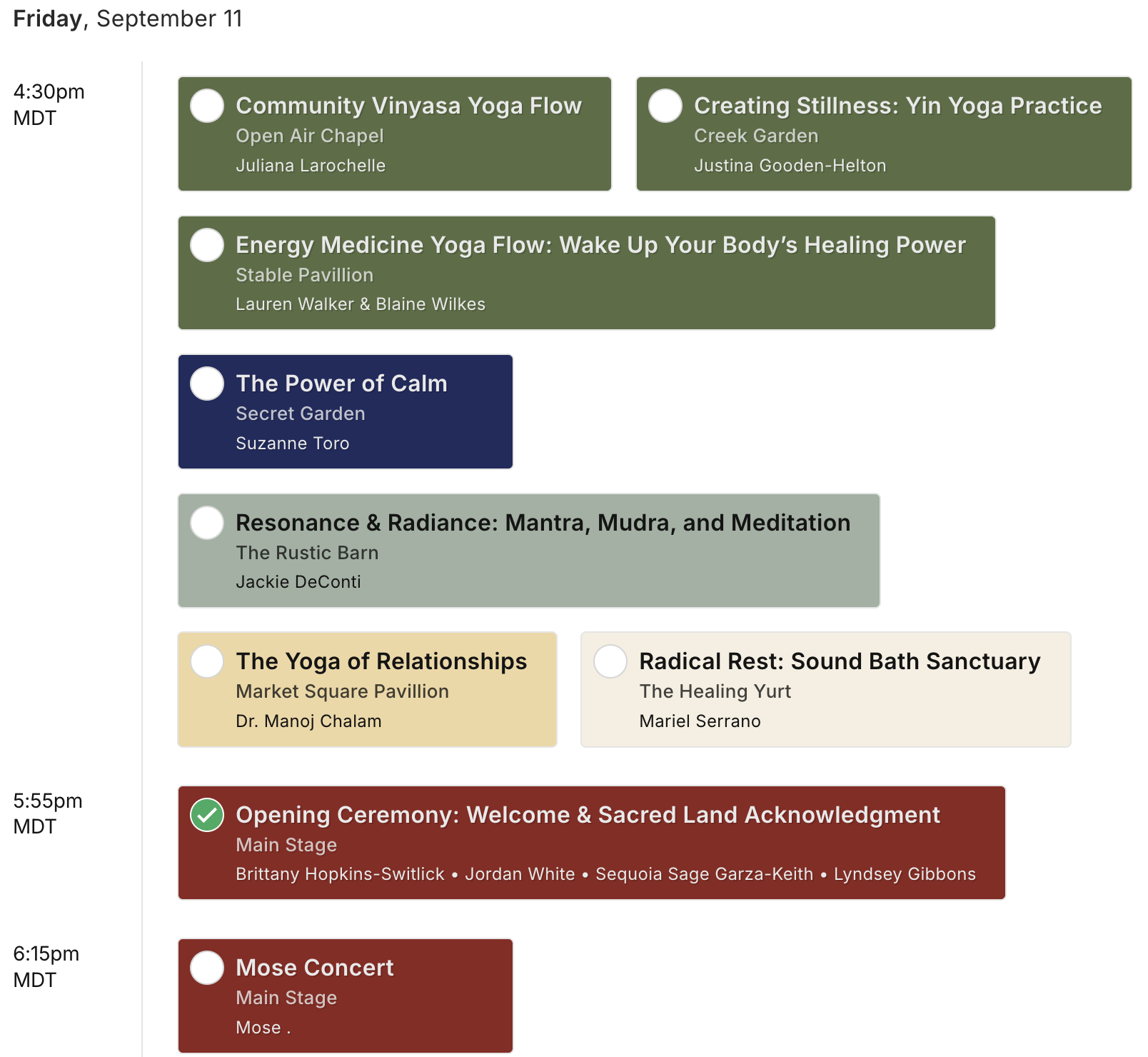
- Simple View: A clean, sequential list of sessions organized by time.
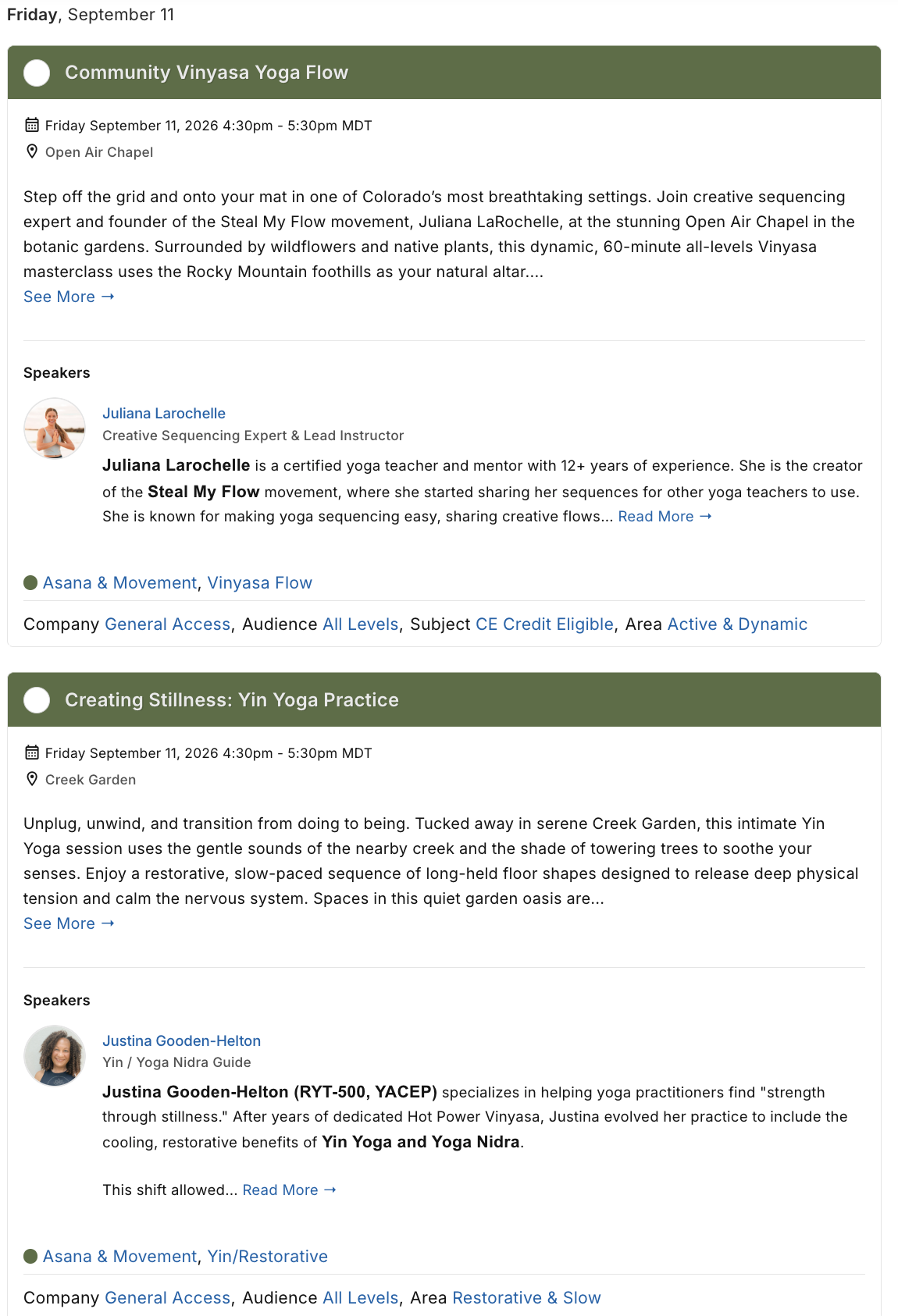
- Full / Expanded View: Displays full descriptions and speaker bios upfront.
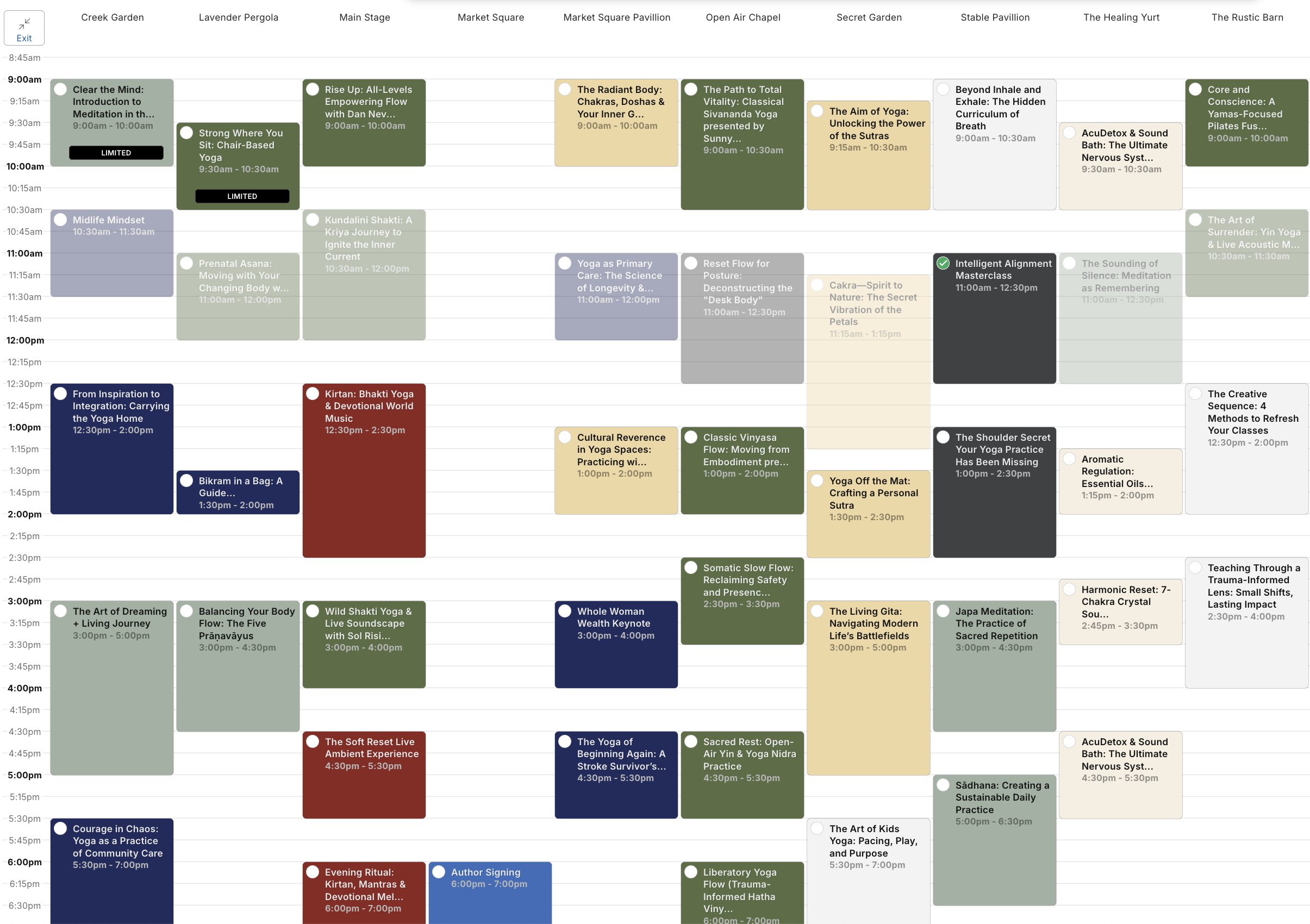
- Grid View: A visual, calendar-style layout showing simultaneous sessions side-by-side.
🏷️ Filter by Session Type and Track
Use the "Filter By Type" sidebar menu to narrow down your choices instantly. You can expand these categories to filter by: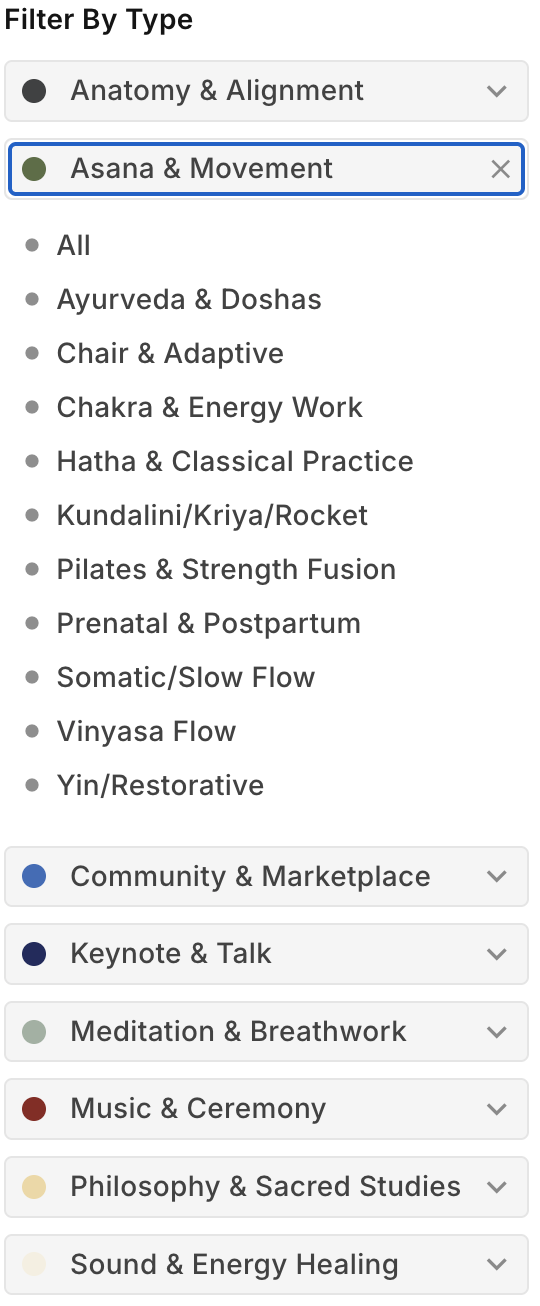
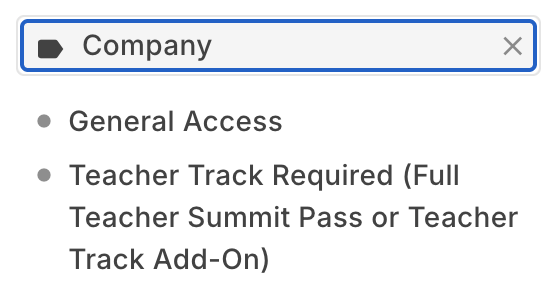
- Company: Toggle between General Access classes or filter specifically for sessions that say Teacher Track Required (accessible with a Full Yoga Teacher Summit Pass or Yoga Teacher Track Add-On).
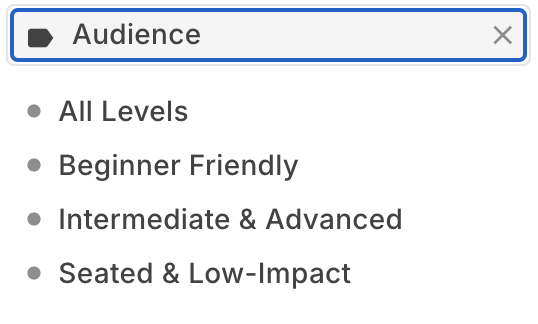
- Audience: Find the perfect intensity level by filtering for All Levels, Beginner Friendly, Intermediate & Advanced, or Seated & Low-Impact.
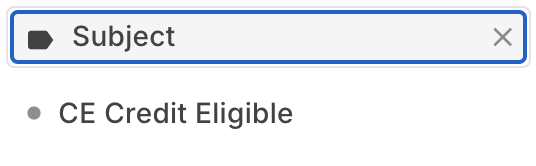
- Subject: Filter specifically for CE Credit Eligible classes to easily log your continuing education hours.
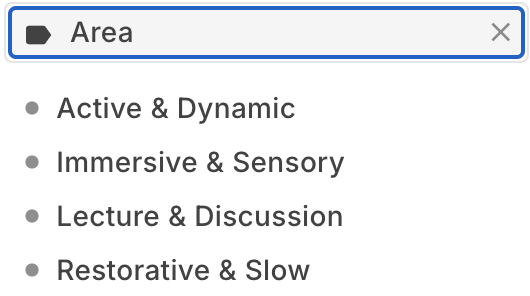
- Area: Narrow down sessions by the style of experience you want: Active & Dynamic, Immersive & Sensory, Lecture & Discussion, or Restorative & Slow.
STEP 3: Tips for Mobile Users
Stay connected and updated while moving from the mat out into the world.
- Mobile Web App: Sched is optimized for mobile browsers. Bookmark the event URL on your phone's home screen for instant one-tap access.
- Sync to Your Calendar: Scroll to the bottom of your personal Sched page and click "Export to Calendar" to sync your chosen sessions directly to Google Calendar, Apple Calendar, or Outlook.
- Offline Access: Print your schedule or take screenshots before arriving, as cellular service can vary in certain natural pockets of the refuge.